

Appearance
Power Flow
Power Flow is where you split the screens into power circuits and balance them over three-phase supplies.
Overview
The module opens on the Power overview: every 16 A three-phase supply of the event, with its circuits on L1 / L2 / L3, the total load, the load per phase and unbalanced or overloaded supplies.
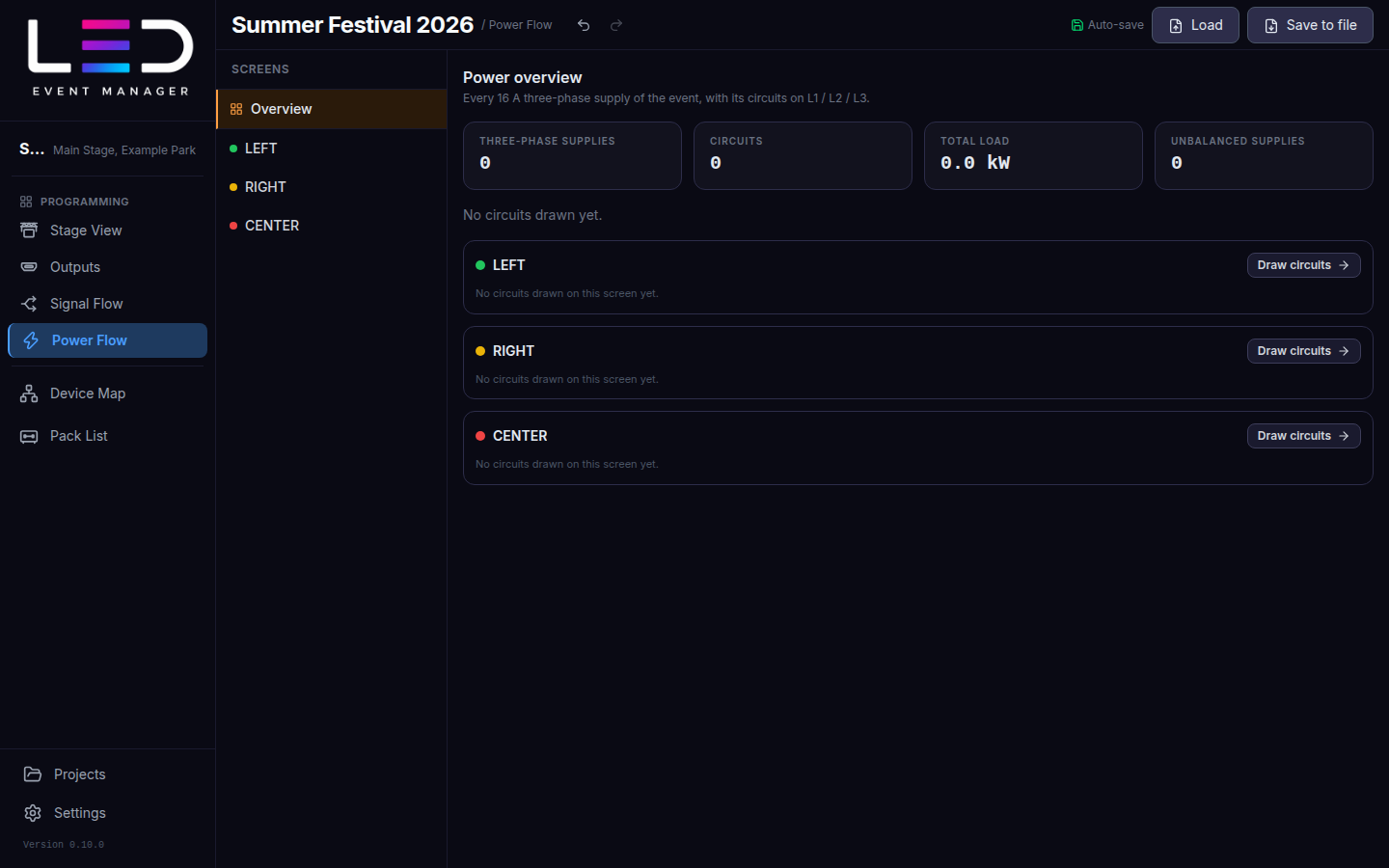
Draw circuits
- Pick a screen in the left panel (or Draw circuits on the overview).
- Click Add circuit — Drawing Circuit 1.
- Click or drag across the cabinets on that circuit. Right-click undoes the last segment.
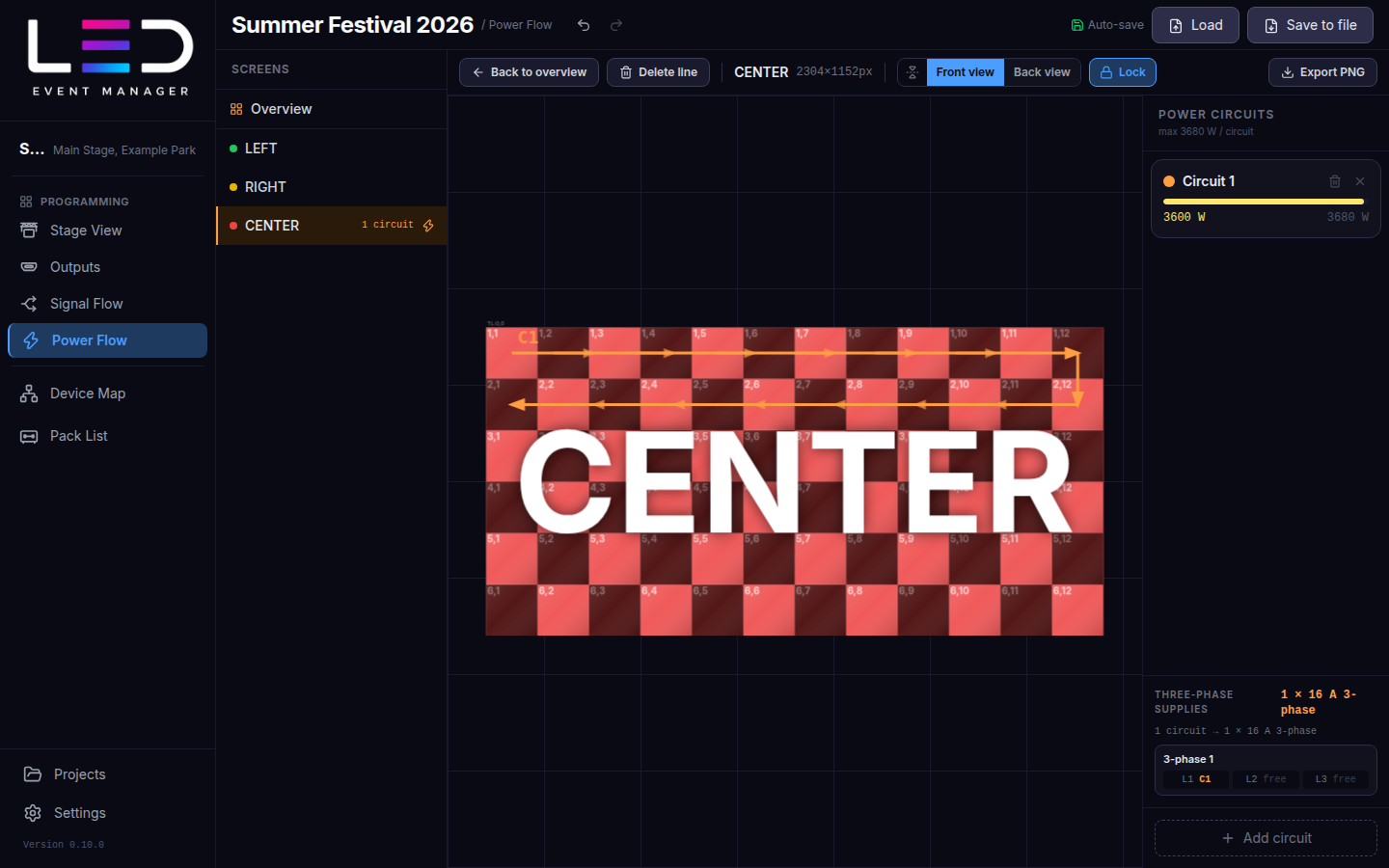
Power circuits on the right shows each circuit's load against the maximum per circuit (based on the cabinet power draw), and Three-phase supplies shows which phase each circuit uses. Circuits over 16 A are flagged.
Lock protects the drawing from accidental edits; Delete line removes segments (Shift+click removes the whole circuit line). Back to overview returns to the overview.
Export
Export PNG saves the power drawing of one screen or of every screen with circuits. See Export.